§03 / PUBLIC PROJECTS
See how a documented project comes together.
Public projects bring progress, tasks, decisions, knowledge, files, parts, build logs and photos together in one shareable place.
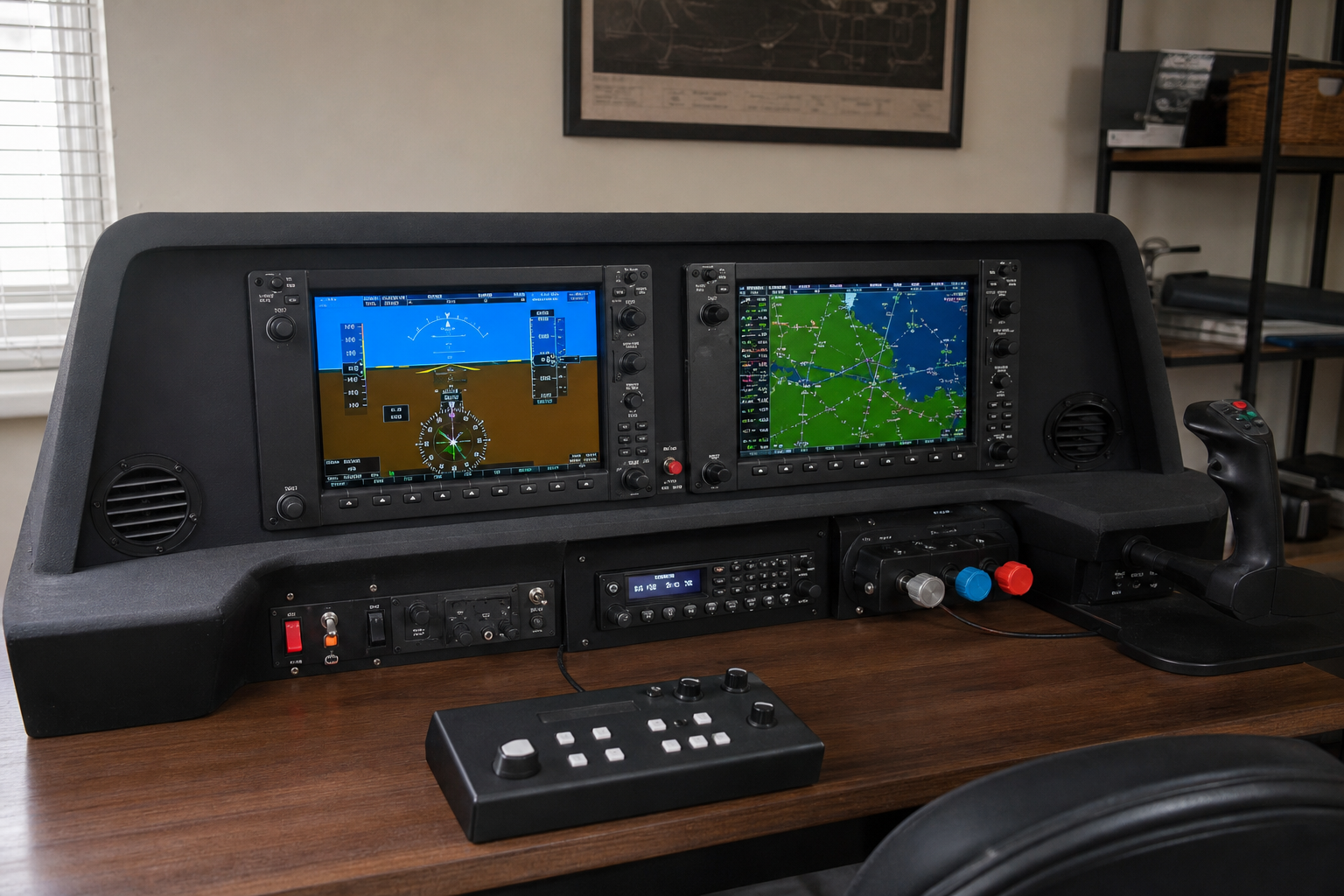
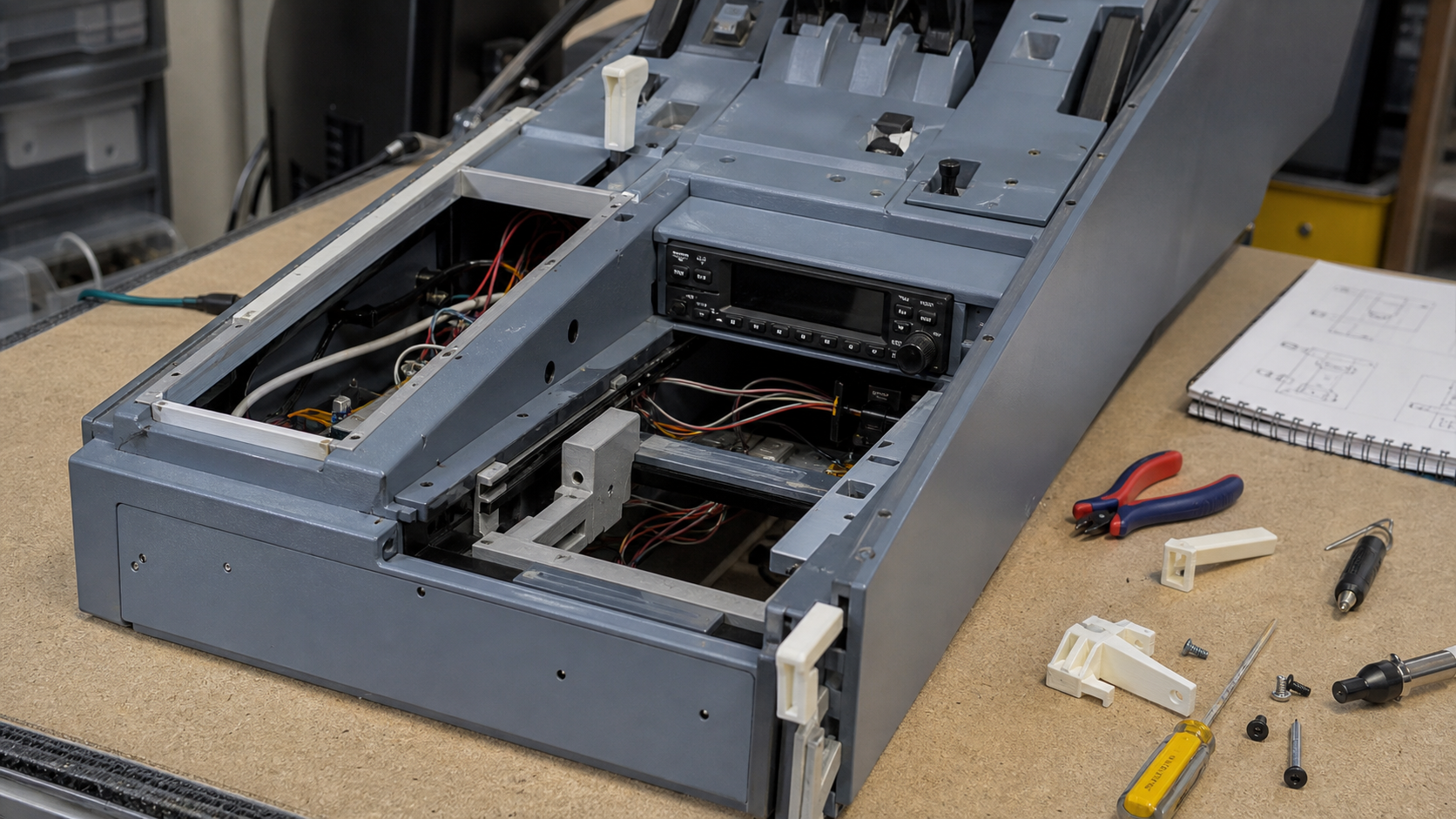
Reworking the main instrument panel with new annunciators, a cleaner USB I/O layout, and a serviceable wiring harness behind the glare shield.





Keep the project facts your next step depends on.
Tasks & progress
Track open work, priorities, blockers, expected outcomes and completed steps.
Decisions & knowledge
Preserve requirements, technical decisions, research, references and corrections.
Files & versions
Keep designs, documents, source files and results linked to their project context.
Build details
Add parts lists, budgets, build logs and photos when your project needs them.
Whatever you build, you'll find your shelf.
Organise hardware builds, software work and technical projects with the same structured memory — from cockpits and circuits to applications and tools.
Pick the size of your bench.
Start free forever. Upgrade when your projects need more room, or your audience does.
- 2 projects
- 3 AI project generations/month
- 8 sections per level
- Build log + BOM + Knowledge + Photos
- 0.5 GB storage
- Public projects only
- ChatGPT/Codex: read + controlled updates
- 5 projects
- 20 AI project generations/month
- 16 sections per level
- Private projects
- 10 GB storage
- Budget vs. actuals
- ChatGPT/Codex: read + controlled updates
- Advanced filters
- Export & backup
- Unlimited projects
- 100 AI project generations/month
- Unlimited sections
- Private projects
- 25 GB storage
- Budget vs. actuals
- ChatGPT/Codex: read + controlled updates
- Publish & sell builds
- Creator subscriber model